HIPAA-Compliant Cloud Software: What Should Providers Look For?
HIPAA-compliant cloud software helps healthcare providers securely manage PHI while supporting modern workflows. Learn what to evaluate before choosing a platform, including encryption, access controls, MFA, audit logs, BAAs, backups, disaster recovery, data portability, vendor security, and incident response. The right solution balances security, compliance, reliability, and everyday usability.
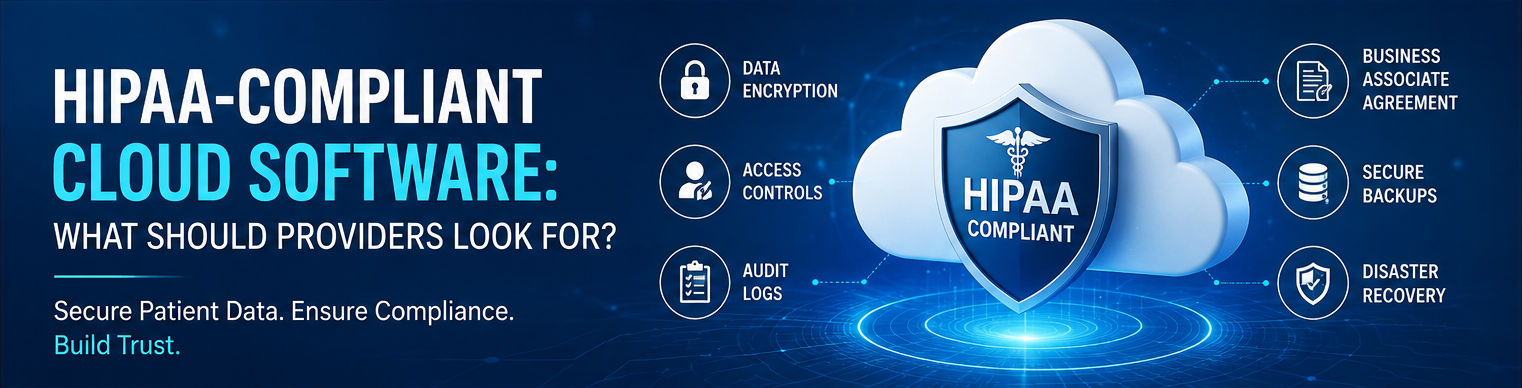
Table of contents
- What Is HIPAA-Compliant Cloud Software?
- Why HIPAA Compliance Matters in the Cloud
- 1. Look for Strong Data Encryption
- 2. Verify Business Associate Agreement Availability
- 3. Check Access Controls and User Permissions
- 4. Require Multi-Factor Authentication
- 5. Look for Detailed Audit Logs
- 6. Evaluate Backup and Disaster Recovery
- 7. Examine Vendor Security Practices
- 8. Consider Data Ownership and Portability
- 9. Make Sure the Platform Supports Secure Communication
- 10. Evaluate Mobile and Remote Access
- 11. Review the Vendor's Incident Response Process
- 12. Don't Confuse HIPAA Compliance With a Single Certification
- A Practical HIPAA Cloud Software Checklist
- Security
- Compliance
- Reliability
- Data Management
- Vendor Management
- Final Thoughts
Healthcare providers increasingly rely on cloud software to manage patient information, coordinate care, streamline operations, and support remote access. But when software handles Protected Health Information (PHI), convenience alone is not enough. Providers need to make sure their cloud technology supports HIPAA compliance, security, privacy, and reliable data management.
Choosing the right HIPAA-compliant cloud software can help a practice reduce security risks while giving authorized staff secure access to the information they need.
What Is HIPAA-Compliant Cloud Software?
HIPAA-compliant cloud software is a cloud-based application or platform designed to support the privacy and security requirements associated with protected health information.
Cloud software can store and process healthcare data on remote servers rather than exclusively on computers or servers located inside a medical facility. Examples include:
- Electronic health record (EHR) platforms
- Practice management systems
- Patient engagement software
- Remote patient monitoring platforms
- Care management solutions
- Telehealth platforms
- Healthcare analytics tools
- Medical billing applications
- Document and file management systems
However, using a cloud service does not automatically make a healthcare organization HIPAA compliant. Compliance depends on how the technology is designed, configured, used, and managed.
Why HIPAA Compliance Matters in the Cloud
Healthcare organizations handle highly sensitive information, including medical records, diagnoses, medications, insurance information, and other patient data.
A cloud platform that lacks appropriate safeguards can expose providers to risks such as:
- Unauthorized access
- Data breaches
- Accidental disclosure of PHI
- Weak user authentication
- Inadequate audit trails
- Data loss
- Improper data sharing
For providers, HIPAA compliance should therefore be considered a fundamental requirement when evaluating healthcare cloud technology—not simply an optional feature.
1. Look for Strong Data Encryption
Encryption is one of the most important security features to evaluate.
Providers should look for software that protects sensitive information:
At rest: Data stored in databases, servers, and backups should be appropriately encrypted.
In transit: Data moving between users, devices, applications, and servers should be protected using secure communication protocols.
Ask vendors:
- How is PHI encrypted?
- What encryption standards are used?
- Is encryption applied to backups?
- How are encryption keys managed?
Strong encryption helps reduce the risk of sensitive information being exposed if data is intercepted or improperly accessed.
2. Verify Business Associate Agreement Availability
A Business Associate Agreement (BAA) is a critical consideration when a cloud vendor handles PHI on behalf of a covered entity.
Before implementing a cloud platform that will process PHI, providers should determine whether the vendor is willing to enter into an appropriate BAA.
The agreement should clearly define responsibilities related to:
- PHI protection
- Security safeguards
- Permitted uses and disclosures
- Incident and breach reporting
- Data handling
- Data return or destruction
A vendor's willingness to provide a BAA is an important part of the due-diligence process.
3. Check Access Controls and User Permissions
Not every employee needs access to every patient record.
HIPAA-compliant software should support role-based access controls, allowing organizations to determine what different users can view or manage.
For example:
| User Role | Potential Access |
|---|---|
| Physician | Clinical records and care information |
| Nurse | Relevant patient and care information |
| Billing Staff | Billing and insurance information |
| Administrator | Operational information |
| IT Staff | System administration without unnecessary PHI access |
Providers should look for customizable permissions that follow the minimum necessary principle.
4. Require Multi-Factor Authentication
Passwords alone may not provide enough protection for healthcare applications.
Multi-factor authentication (MFA) adds another verification step, such as:
- Authentication applications
- One-time codes
- Security keys
- Biometric verification
MFA can significantly strengthen account security by making stolen or compromised passwords less useful to attackers.
Providers should determine whether MFA is supported for administrators, employees, contractors, and other users who access sensitive information.
5. Look for Detailed Audit Logs
A secure healthcare cloud platform should provide visibility into important system activity.
Audit logs can help organizations understand:
- Who accessed a record
- When the record was accessed
- What actions were performed
- Which user changed information
- When information was shared or exported
- Whether unusual activity occurred
Audit trails are valuable not only for security monitoring but also for investigating incidents and supporting compliance activities.
6. Evaluate Backup and Disaster Recovery
Healthcare data must remain available when providers need it.
Cloud vendors should have reliable backup and disaster recovery processes designed to protect information against events such as:
- Hardware failures
- Cyberattacks
- Accidental deletion
- System outages
- Natural disasters
- Infrastructure failures
Ask vendors about:
- Backup frequency
- Backup protection
- Recovery procedures
- Recovery time objectives
- Disaster recovery testing
- Business continuity plans
A strong backup strategy can help a healthcare organization maintain continuity when unexpected disruptions occur.
7. Examine Vendor Security Practices
HIPAA compliance is not just about the software interface. Providers should also evaluate the vendor's underlying security practices.
Important questions include:
- Where is healthcare data hosted?
- Who has access to production systems?
- How are employees trained?
- How are vulnerabilities identified and addressed?
- How frequently are security controls tested?
- How are security incidents handled?
- Does the vendor use reputable cloud infrastructure providers?
Providers should request relevant security documentation and certifications where appropriate rather than relying solely on a vendor's marketing claims.
8. Consider Data Ownership and Portability
Healthcare organizations should understand what happens to their data throughout the relationship with a cloud provider.
Before signing a contract, ask:
- Who owns the data?
- Can the provider export its information?
- In what format can data be exported?
- What happens when the contract ends?
- How is data returned or deleted?
- Are backups also addressed during termination?
Clear data portability and exit procedures can help prevent operational problems later.
9. Make Sure the Platform Supports Secure Communication
Healthcare teams frequently communicate about patients across departments and locations.
Cloud software should provide appropriate controls for sharing sensitive information, including:
- Secure messaging
- Controlled file sharing
- User authentication
- Permission management
- Audit trails
- Secure notifications
Providers should avoid assuming that ordinary email, consumer messaging applications, or file-sharing services are automatically appropriate for transmitting PHI.
10. Evaluate Mobile and Remote Access
Modern healthcare often requires clinicians and staff to work outside the traditional office.
If the software supports mobile or remote access, providers should evaluate:
- Device authentication
- MFA
- Session timeouts
- Remote access controls
- Encryption
- Device management
- Automatic logout
- Lost-device protection
Remote accessibility can improve productivity and care coordination, but it should not come at the expense of patient-data security.
11. Review the Vendor's Incident Response Process
Even organizations with strong security controls can experience incidents.
Providers should understand how a cloud vendor responds when suspicious activity or a potential breach occurs.
Ask:
- How are incidents detected?
- Who is notified?
- How quickly are customers informed?
- What investigation process is followed?
- How is affected data identified?
- What remediation steps are taken?
A clearly defined incident response process can reduce confusion and improve coordination during a security event.
12. Don't Confuse HIPAA Compliance With a Single Certification
One common misconception is that a software product can simply be labeled "HIPAA certified" and the provider is therefore compliant.
HIPAA compliance is broader than a single product certification or badge.
A healthcare organization must consider its overall environment, including:
People + Processes + Technology + Policies + Security Controls
Even secure software can be used improperly. Providers still need appropriate policies, workforce training, risk assessments, access controls, and ongoing monitoring.
A Practical HIPAA Cloud Software Checklist
Before selecting a cloud platform, providers can use this checklist:
Security
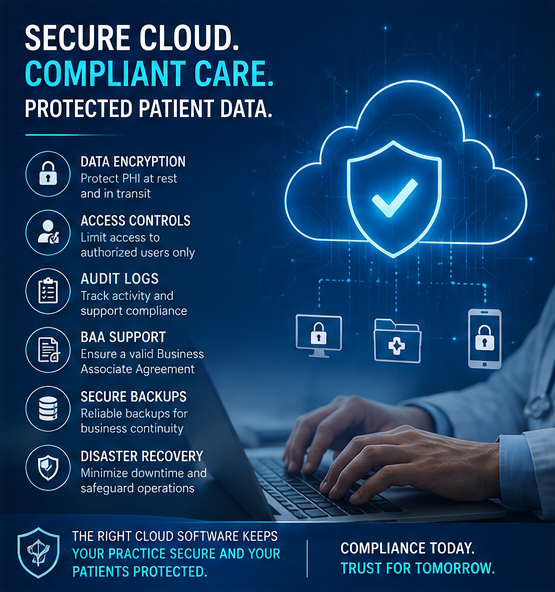
- ☐ Data encryption at rest
- ☐ Data encryption in transit
- ☐ Multi-factor authentication
- ☐ Strong password controls
- ☐ Role-based access
- ☐ Automatic session controls
Compliance
- ☐ Appropriate BAA available
- ☐ Audit logging
- ☐ Security documentation
- ☐ Incident response procedures
- ☐ Support for compliance requirements
Reliability
- ☐ Regular backups
- ☐ Disaster recovery plan
- ☐ Business continuity strategy
- ☐ System availability monitoring
Data Management
- ☐ Clear data ownership terms
- ☐ Data export capabilities
- ☐ Defined retention policies
- ☐ Secure data deletion procedures
- ☐ Clear contract termination process
Vendor Management
- ☐ Security practices reviewed
- ☐ Third-party services identified
- ☐ Vulnerability management process
- ☐ Employee security training
- ☐ Regular security testing
Final Thoughts
HIPAA-compliant cloud software can give healthcare providers secure, flexible, and scalable tools for managing modern healthcare operations. But choosing the right platform requires more than looking for a "HIPAA compliant" label.
Providers should evaluate encryption, access controls, MFA, audit logs, BAAs, backups, disaster recovery, vendor security, data portability, and incident response before making a decision.
The best cloud solution is one that combines strong security with practical usability—helping healthcare teams access the right information while keeping patient data protected.